 15 May 2026
 Share
Share
1

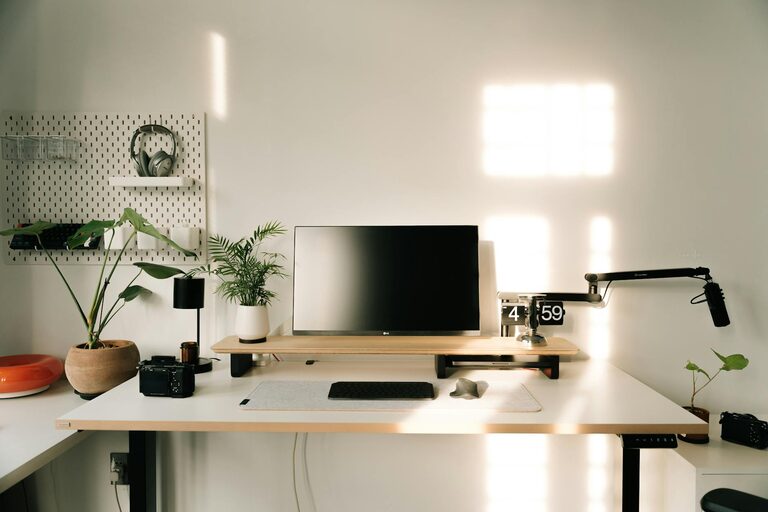
Creating a productive home office space is essential for anyone working remotely or spending significant time on tasks at home. A well-designed workspace can improve focus, reduce distractions, and support better work habits. Whether you’re starting from scratch or enhancing an existing area, these tips will help you build a home office that keeps you motivated and efficient.
Select a part of your home where noise and interruptions are minimal. A quiet corner or a spare room can work well. Avoid high-traffic areas like the kitchen or living room, where distractions are frequent.
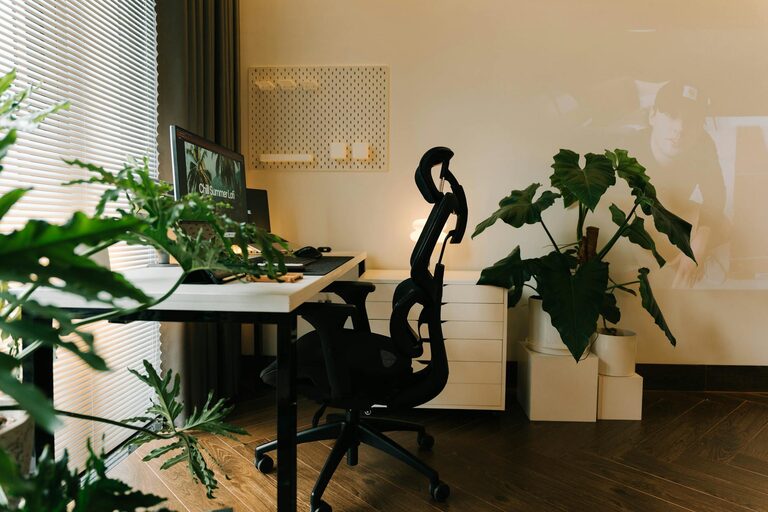
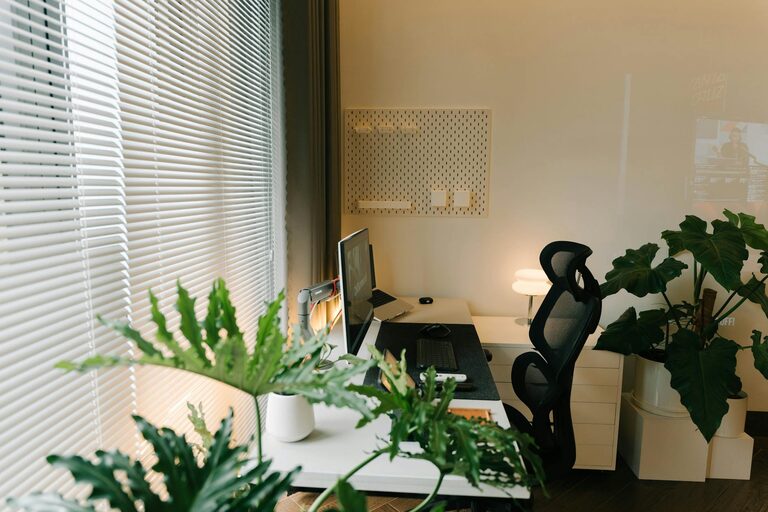
Position your desk near a window if possible. Natural light boosts mood and alertness, making it easier to stay on task. If natural light isn’t available, make sure to invest in good quality artificial lighting.
Comfort is key to productivity. Choose a chair that supports your posture and a desk at the right height. Ergonomic furniture helps reduce physical strain and discomfort during long work sessions.
Consider furniture that adjusts to your needs—such as height-adjustable desks or chairs with customizable features—to accommodate different tasks and reduce fatigue.
A tidy workspace minimizes distractions. Clear unnecessary items from your desk and keep essential supplies within reach. Use storage solutions like shelves, drawers, or desk organizers.
Keep cords and cables organized with clips or tubing. A neat workspace feels less chaotic and is easier to maintain.
A strong, stable internet connection is critical for video calls, research, and communication. If your home’s Wi-Fi is weak, consider a wired connection or a signal booster.
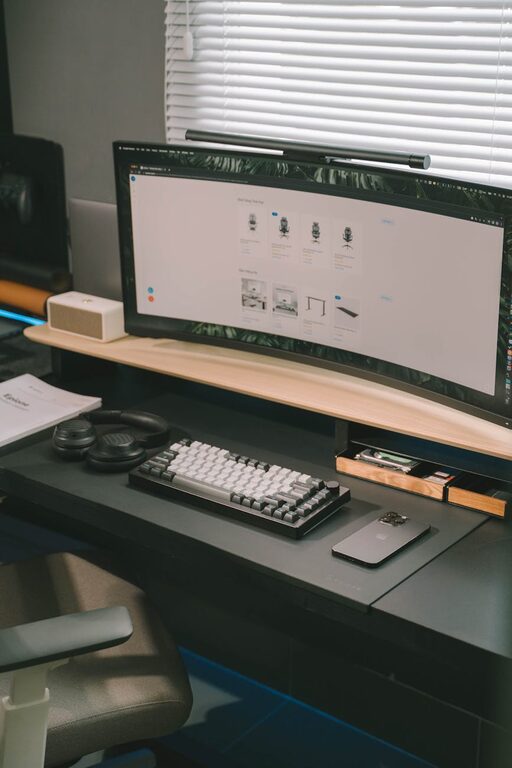
Use a quality monitor, keyboard, and mouse to enhance comfort and productivity. Having the right tools reduces frustration and improves work quality.
Regularly back up your files and secure your devices with strong passwords or encryption to protect your work.
Define clear start and finish times to separate work from personal life. This routine helps build focus and maintains balance.
Inform family or roommates of your work schedule to reduce interruptions. Use noise-cancelling headphones if needed.
Turn off non-essential notifications on your devices to stay focused. Consider using apps that block distractions.
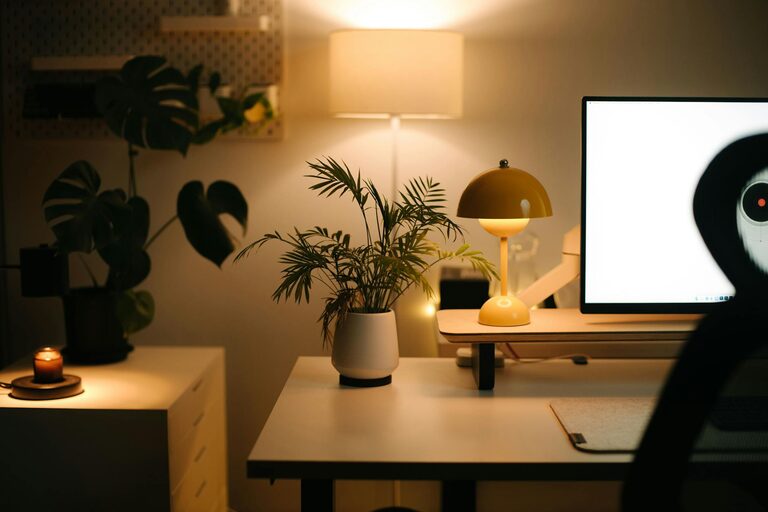
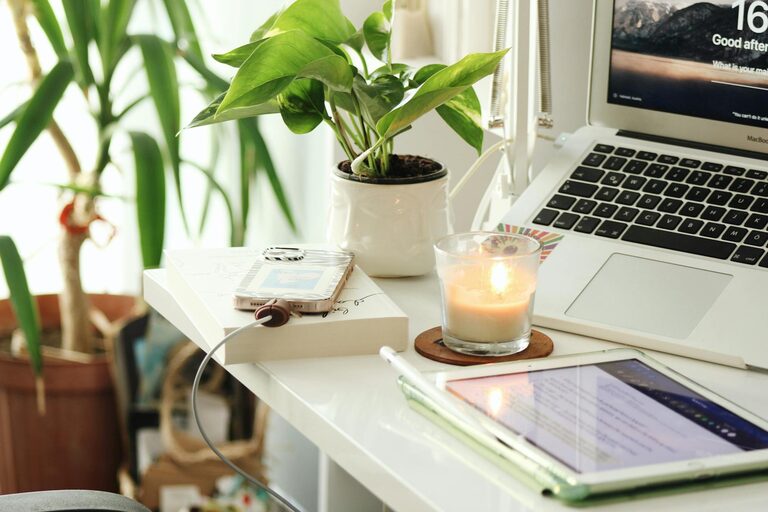
Add items that inspire you, such as plants, artwork, or photos. A welcoming environment can boost creativity and mood.
Adjust room temperature and air quality for a pleasant atmosphere. Have a water bottle nearby and take regular breaks to stay refreshed.
Step away from your desk every hour for a few minutes. Stretching or walking helps prevent fatigue and maintains productivity.
Keep a to-do list or planner to organize daily goals. Checking off completed tasks can provide motivation and a sense of accomplishment.
Designing a productive home office doesn’t require a large space or expensive equipment. By selecting the right location, investing in comfort, staying organized, and maintaining good work habits, you can create an environment that supports your focus and efficiency. Experiment with different setups and routines until you find what works best for you. A thoughtful home office is a valuable tool for success in any remote work or home project.